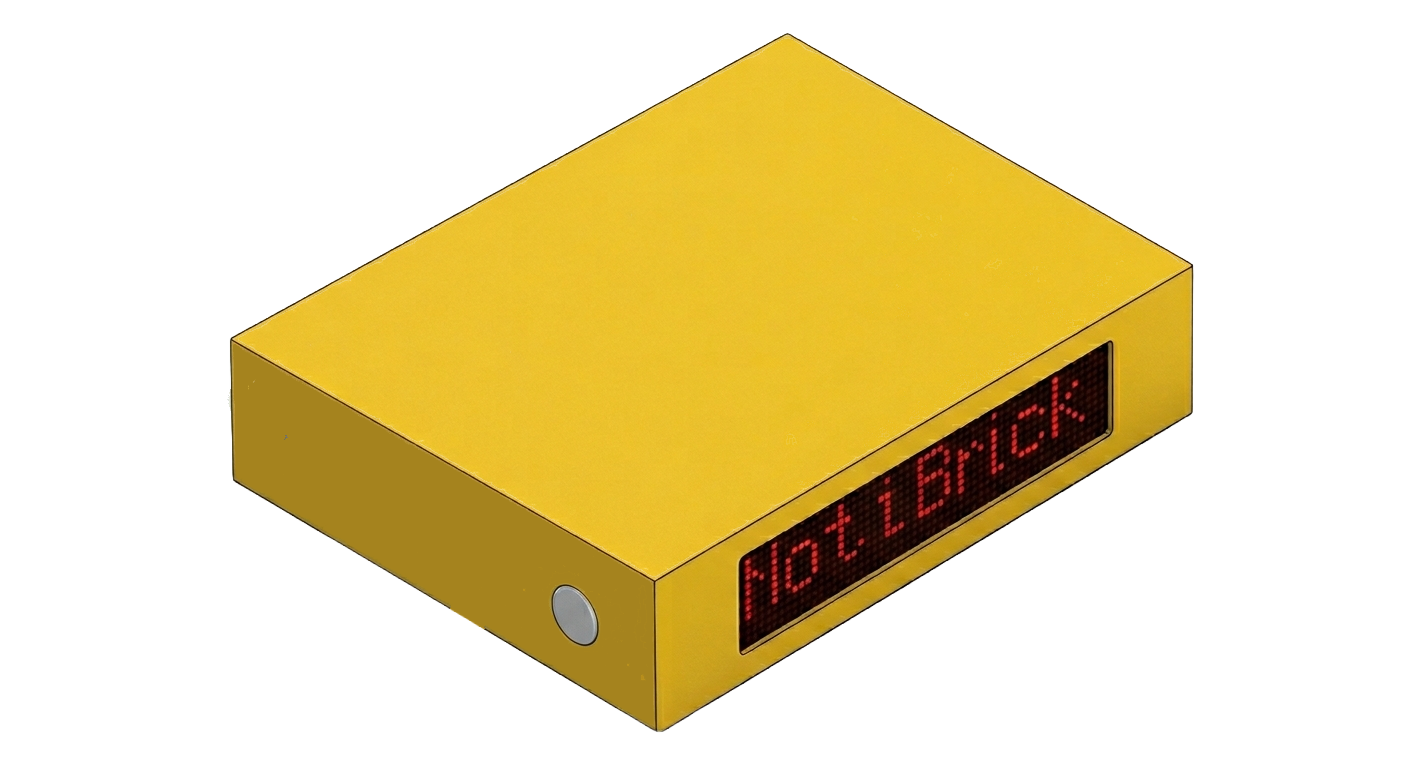
NotiBrick
Get notified in style.
A tiny on-air sign for your desk that flips itself the moment you’re on a call — Teams, Zoom, Meet, FaceTime, anything.
Hands-free
The sign flips itself.
Install the small NotiBrick watcher on your Mac or PC. The moment any app reaches for your microphone or camera, the brick turns on. When the call ends, it turns off. No shortcuts to remember, no per-app setup.

macOS
Flips your on-air sign automatically — Teams, Zoom, Meet, FaceTime.
macOS 12 Monterey or later
A small menubar app that watches whether any app is using your microphone or camera, and toggles the NotiBrick on-air sign so people around you know not to interrupt. No per-app configuration — if your mic or camera light is on, the sign goes on.
Sign in to get started
Windows
Same auto-toggle, for your Windows 10 / 11 machine.
Windows 10 (1903+) or Windows 11
Reads Windows’ own privacy-indicator data to tell whether any app is using the microphone or camera, then toggles the NotiBrick on-air sign. Runs in the system tray, starts automatically at log on, and never asks for admin rights.
Sign in to get started